
Restaurant POS system for the UAE
Ordery POS is the till your counter staff actually use — orders, payments, shifts and the end-of-day numbers — running on ordinary Windows hardware and staying up when the internet does not.
A till that keeps trading when the line drops
A restaurant cannot stop selling because a router rebooted. Ordery POS keeps its own copy of the menu, the prices and the open orders on the machine, so a counter carries on taking orders and printing bills through an outage and reconciles when the connection returns.
That is a design decision rather than a feature: the till is the system of record for what happened at the counter, and the cloud is where it is published afterwards. It is also why a licence is checked against a seven-day allowance rather than on every sale — a machine that has heard nothing for an afternoon is a machine that keeps working.
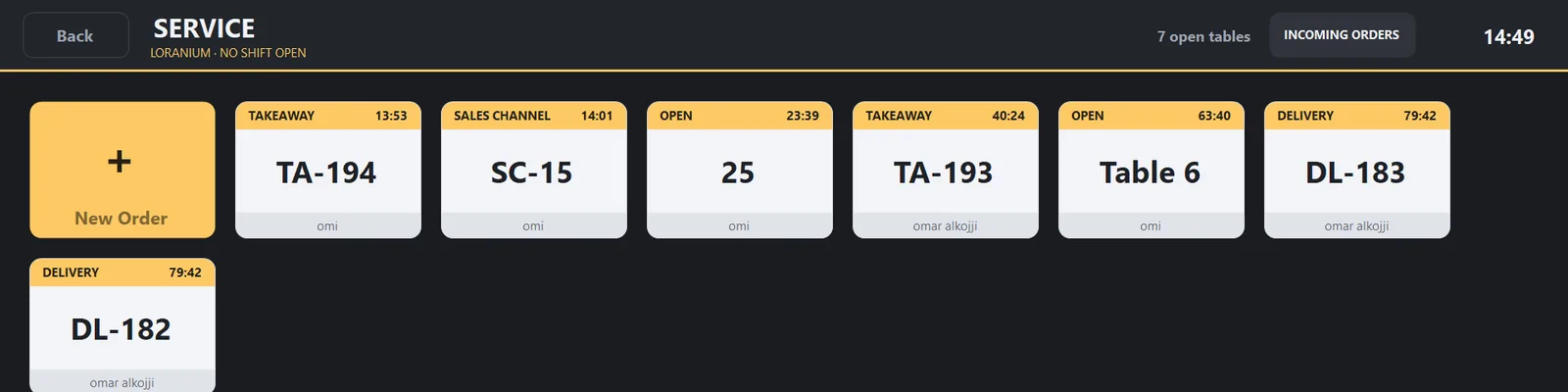
One counter, three kinds of order
They are one queue on one screen. A kitchen does not care where an order came from, and a cashier should not have to work two systems to answer the same question.
- Dine-in, against a table, with the QR orders your customers placed already on the same bill.
- Collection, for somebody who ordered ahead and is coming to the counter.
- Delivery, including orders that arrive from a delivery partner rather than from your own page.
Shifts, cash and the end of the day
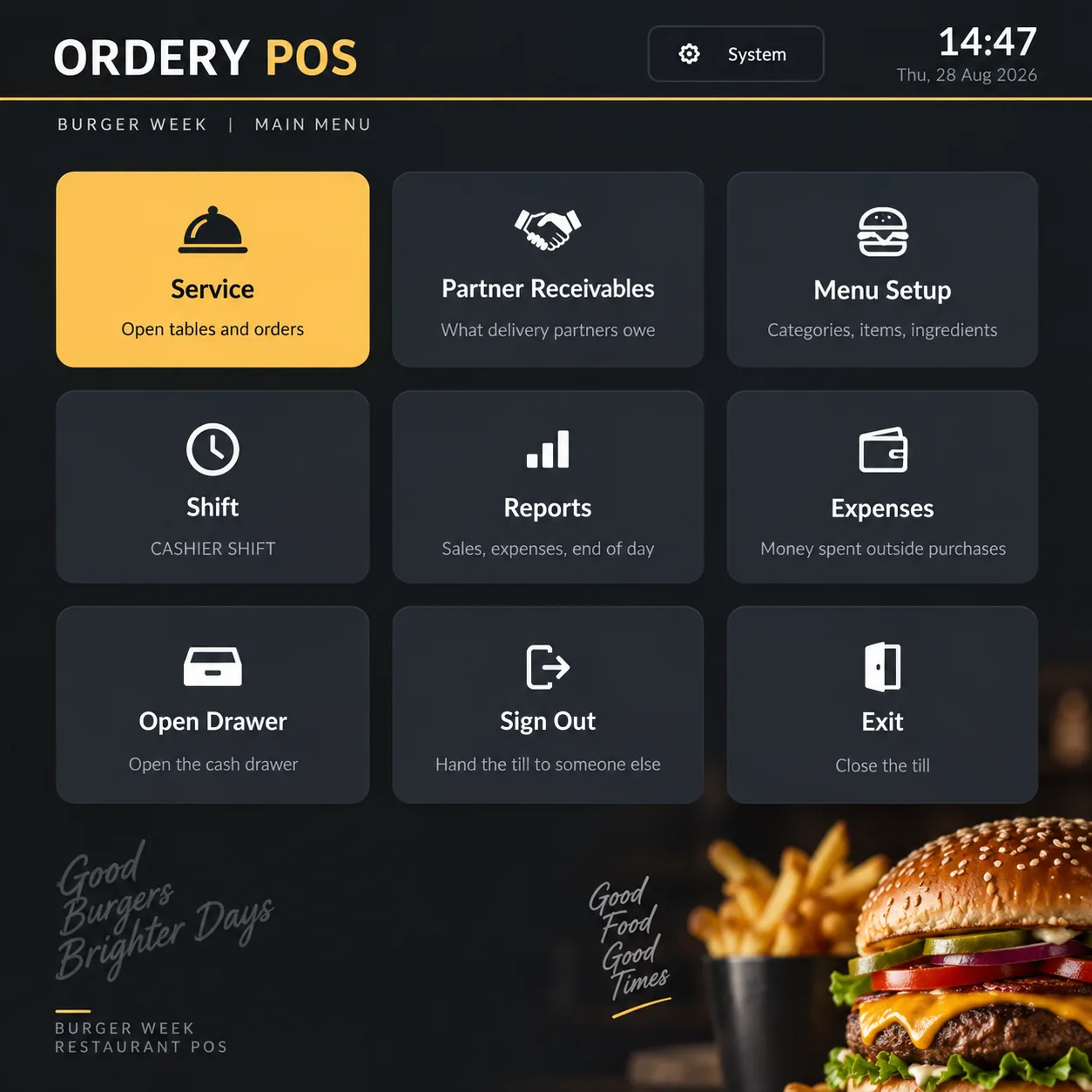
Each cashier opens a shift, takes cash, card and mixed payments against it, and closes it with a count. End of Shift produces what that person is accountable for; End of Day closes the business date for the whole location.
The business date is the restaurant’s, not the clock’s. A kitchen still serving at one in the morning is still working yesterday’s day, and the reports say so — which is the difference between a figure an owner trusts and one they argue with.
What it runs on
- Ordinary Windows machines. No proprietary terminal to buy from us.
- Receipt printing to the printers a counter already has.
- English, Arabic and Hindi in the interface, so the person on the till reads it in their own language.
- A kitchen display alongside the till where a kitchen would rather read a screen than a docket.
FAQ
Questions
Does Ordery process my customers’ card payments?
No. Your customers pay you the way they always have — cash, your own card machine, or a delivery partner’s app. Ordery records what was taken and against which shift; it never sits between you and your customer’s money.
How many tills can I run?
That depends on the plan on your account, and Ordery can agree a different number with you if your business needs one. The pricing page shows what each plan includes today.
Does the till need the internet?
To synchronise, yes. To trade, no. It holds its menu and its open orders locally and catches up afterwards.
See it with your own menu
Creating an account costs nothing and takes a few minutes. Add a location, put your menu in, and print a QR code for one table before you decide anything.